AI text transformations, anywhere.

TPlus is a minimalist desktop utility. Select text in any application, press a shortcut, and transform it instantly using your favorite AI models.

Free & Open Source

How it works

Select text in the editor below and trigger TPlus using the prompts.

document.txt - Notepad
Slack - #development
# development
Acoustics - Wikipedia
🔒 en.wikipedia.org/wiki/Acoustics
main.rs - VS Code
1 2 3 4
Alt + Space
TPlus is thinking...
Result:

🚀 Fast & Native

Built with Tauri and Rust. Starts instantly, runs light, and stays out of your way.

⌨️ Keyboard First

Fully controllable via keyboard shortcuts. Press numbers to copy or replace instantly.

✨ Glassmorphism UI

A beautiful, frosted glass overlay that glows with customizable dark and light theme neon accents.

🔓 Open Source

Fully transparent, privacy-respecting, and free. Host it yourself or use custom API providers.

How to Use TPlus

Master TPlus in less than a minute. Works natively across all text fields on your system.

01

Select & Trigger

Highlight any text in any application (browser, document editor, terminal, etc.). Press Alt + Space (default hotkey) to summon the floating command bar.

02

Refine & Transform

Use the arrow keys or press number keys 14 to execute your pre-defined prompts instantly. Or type a custom command and press Enter to refine on the fly.

03

Replace or Copy

Once the AI replies, press Enter (or click Replace) to replace the highlighted text in place. Or press Alt + C (or click Copy) to copy to clipboard and close.

04

Settings & Models

Right-click the system tray icon to access Settings. Choose a model: insert your API key for cloud services (OpenAI, Anthropic, Groq) or connect to a local offline instance (LM Studio, Ollama).

Lyes
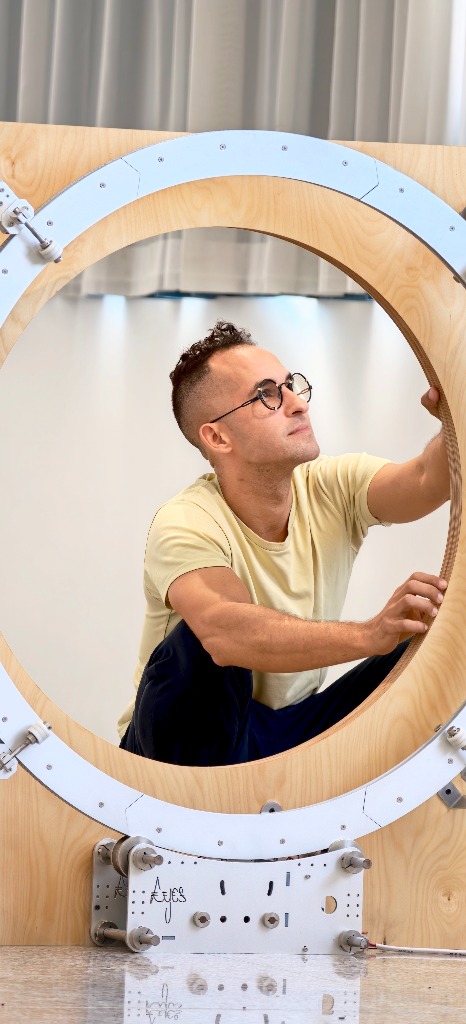
Creator

Lyes

Designer & Artist

Hi, I am a multidisciplinary creator, engineering software, designing physical art, and building custom utilities. I love crafting tools at the intersection of technology and creative workflow.

The Inspiration: TPlus was inspired by the smart actions of Logitech's Logi Options+ (Logi Plus). While I loved the convenience, I wanted a lightweight, keyboard-driven, offline-first alternative that belongs completely to the open-source community.

Local & Offline First: Unlike bloated tools, TPlus is designed to work with any API or local LLM instances. You can connect it directly to LM Studio, Ollama, or any local offline server, keeping your data secure and free.

Creative Lab: This is part of my lab's projects. I am also working on Nano Banana (a modeling plugin for Blender) and an Eye Tracking framework that I plan to improve on eventually.

Support My Work

TPlus is entirely free and open-source. If it improves your editing speed and saves you time, please consider supporting my creative lab. Your donations help fund maintenance and native ports for macOS and Linux.

Donate via Stripe